Objection awareness
Surface a potential objection so the rep can understand the concern before moving forward.

WINGMAN · OPTIONAL ADD-ON
Contextual guidance during live sales calls. Help new reps notice objections and pacing as they learn your offer and sales process.
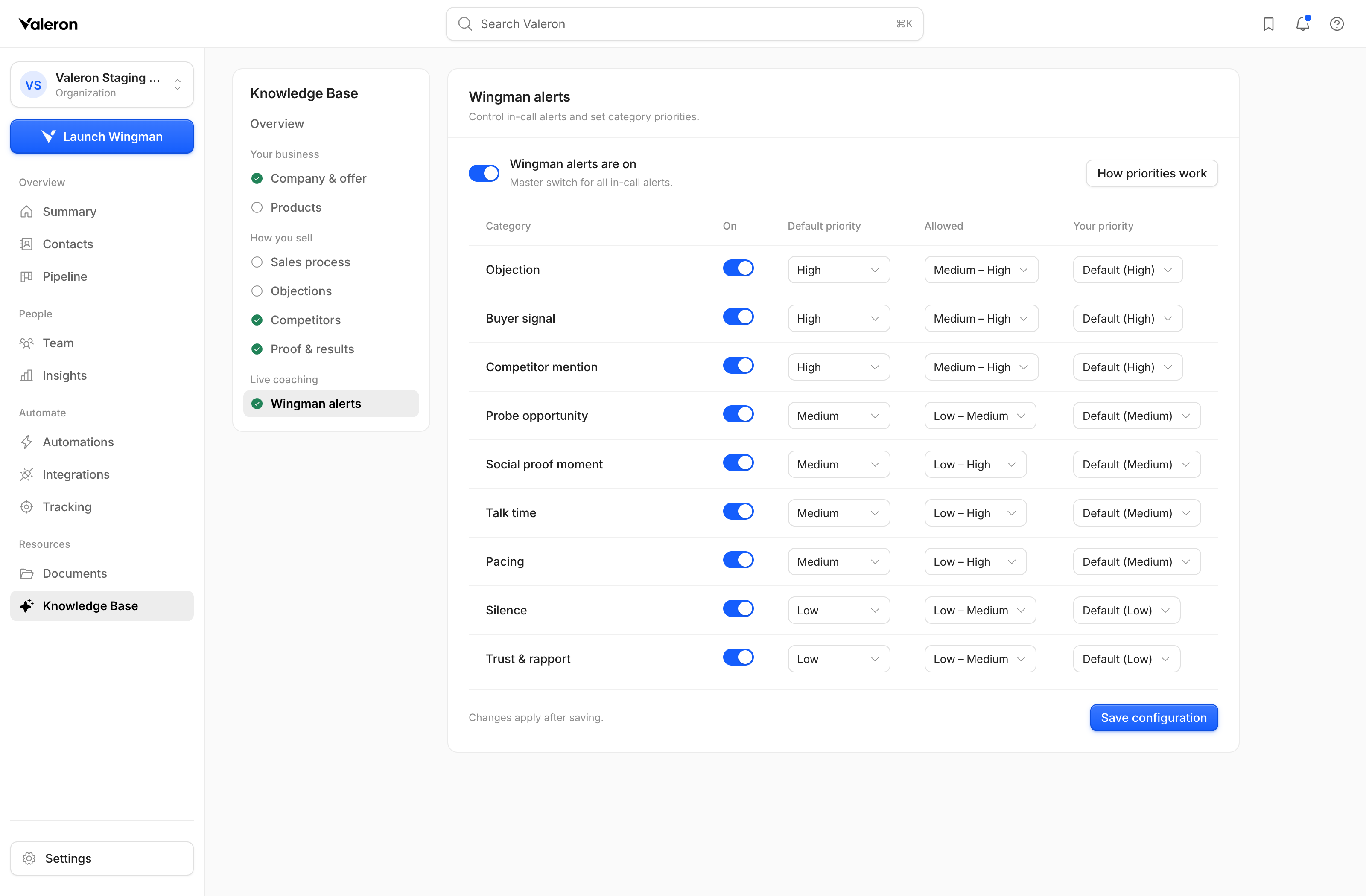
Wingman alert configuration in the Valeron web app · Light mode
Surface a potential objection so the rep can understand the concern before moving forward.
Give reps a prompt to check the pace and leave space for the conversation.
Customize the offer knowledge and alert priorities around the way your team sells.
Track results, review calls, and coach your team in the Valeron web app. Add Wingman when your team wants support during the conversation.
Wingman is optional. It is not required for core performance tracking, post-call breakdowns, or coaching.
Explore the core platformFind the workspace and included usage that fit your team.
Give the platform your offer, customer, and sales-process knowledge.
Use the macOS Apple silicon app for Wingman’s live call support.
A CLEARER WAY TO GROW
Start with the Valeron plan that fits you.