
The numbers raise a question.
A performance change gives you a reason to look closer. Use the conversation context to investigate what may be behind it.
A STARTING POINT FOR YOUR MANAGER
Your manager has to decide what deserves attention across the team. Valeron connects the performance view with recurring objections and call moments. Start with the pattern, narrow it to the relevant reps and dates, then choose which conversations to review.
Solo and Team start online. Calls are for custom Enterprise setup.
A few familiar names from the Valeron community






LOOK PAST THE SURFACE
A useful management view helps you choose what to investigate. Put the performance and conversation patterns together before deciding where to focus the next discussion.
A performance change gives you a reason to look closer. Use the conversation context to investigate what may be behind it.
A memorable call can pull attention toward one person. Review aggregate objections and rep breakdowns for a broader starting point.
Choose a period and a pattern to inspect. Then select relevant call moments for a focused discussion with the team.
Look at recurring objections across the conversations in your workspace. Use category trends, rep breakdowns, and dates to narrow the question. Let the view guide your investigation before you decide on the coaching priority.
A team pattern gives you direction. An individual exchange gives the manager and rep something concrete to discuss. Review the objection in context, check the transcript, and use the recommendation to help shape the next coaching conversation.
FROM CONTEXT TO ACTION
Choose the reporting period and team question you want to investigate in the performance and objection views.
Look at the rep breakdowns and recurring categories to choose where a closer call review would be useful.
Bring relevant moments to the rep, discuss the context, and agree on the next coaching priority together.
READY WHEN YOU ARE
Get Solo or Team online. For a custom rollout, check your fit for Enterprise setup.
FOR YOU
Your sales, call feedback and coaching in one personal workspace.
Then $297/month
FOR YOUR TEAM
A shared workspace for your sales floor, with five seats to get started.
per month · 5 seats included
The 3-day Solo trial applies to monthly billing. Annual plans are billed yearly.
Need a custom rollout for your business? Discuss Enterprise setup
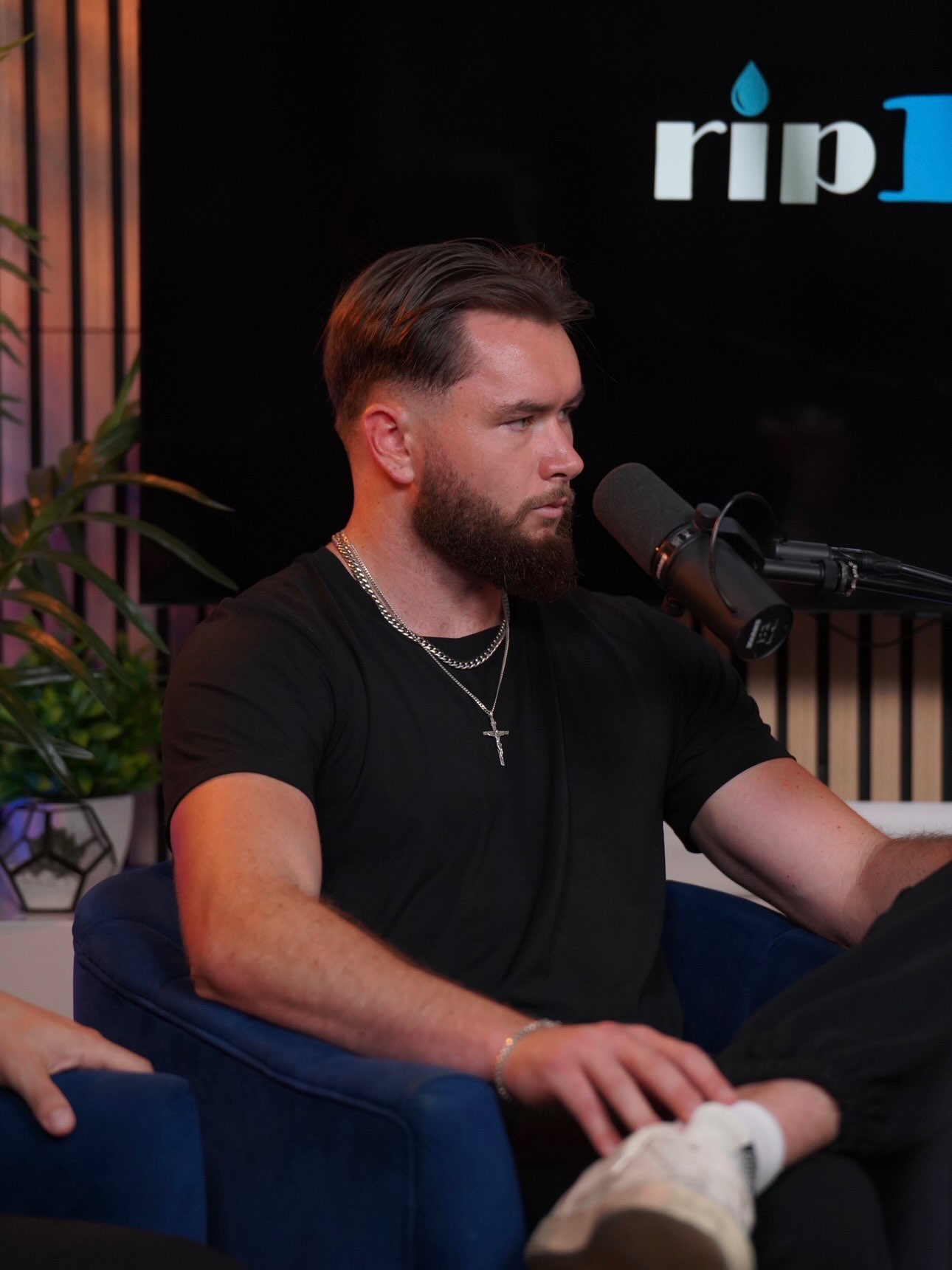
“Our close rate went from the mid thirties to the high sixties in the first three weeks.”
One customer’s experience. Results vary.
BEFORE YOU TAKE A LOOK
Start with the questions
your team is asking.
Team performance, recurring objections, category trends, rep breakdowns, and reporting dates help frame the review. Use the combination that matches the question you are investigating, then open relevant moments before deciding what to coach.
Rep breakdowns and date views let you narrow the conversation patterns you are looking at. Performance filters also support rep, role, and reporting period, helping the manager keep the discussion tied to a defined group and timeframe.
Choose a relevant call moment and review the exchange with the rep. Use the transcript and recommendation alongside your sales process to understand the response and agree on a useful next step. The manager supplies the judgment and discussion.
Choose Team online for a shared workspace. For a custom Enterprise rollout, start with the Enterprise fit check and explain your team, connected sources, and setup needs.
YOUR NEXT STEP
See how performance, conversation patterns, and individual call moments can help your manager choose where to focus the next discussion.
Choose Solo or Team online. Need custom Enterprise setup? Check your fit.