
The recap is too broad.
“They had a price objection” leaves the exchange unexplained. Review what was said and how the rep responded.
A CLEARER CALL REVIEW
You have a question about a call. Start with the relevant moment. Valeron brings excerpts, timestamps, objections, and the wider transcript into the review, so you can inspect the exchange and decide what to take into the next conversation.
Solo and Team start online. Calls are for custom Enterprise setup.
A few familiar names from the Valeron community






LOOK PAST THE SURFACE
The useful part of a call review is understanding what happened. Give yourself a starting point, then check the conversation around it.
“They had a price objection” leaves the exchange unexplained. Review what was said and how the rep responded.
Timestamps and excerpts help you return to a relevant part of the conversation when you want to investigate.
Keep the transcript, summary, and recommendations close to the moment you are discussing with the rep.
Open an individual call and inspect the excerpts available in Moments. Look at the objection category and timestamp, then review the exchange in context. Build your feedback around what the conversation shows.
Bring the call summary, transcript, and recommendations into the same discussion. Use the summary for orientation, the transcript for detail, and the recommendation as a starting point for deciding what the rep should work on next.
FROM CONTEXT TO ACTION
Open a conversation available in your workspace and start with the question you want the review to answer.
Use the moments, timestamps, and transcript to understand what was said before choosing the feedback.
Discuss the recommendation with the rep and choose a specific point to carry into the next conversation.
READY WHEN YOU ARE
Get Solo or Team online. For a custom rollout, check your fit for Enterprise setup.
FOR YOU
Your sales, call feedback and coaching in one personal workspace.
Then $297/month
FOR YOUR TEAM
A shared workspace for your sales floor, with five seats to get started.
per month · 5 seats included
The 3-day Solo trial applies to monthly billing. Annual plans are billed yearly.
Need a custom rollout for your business? Discuss Enterprise setup
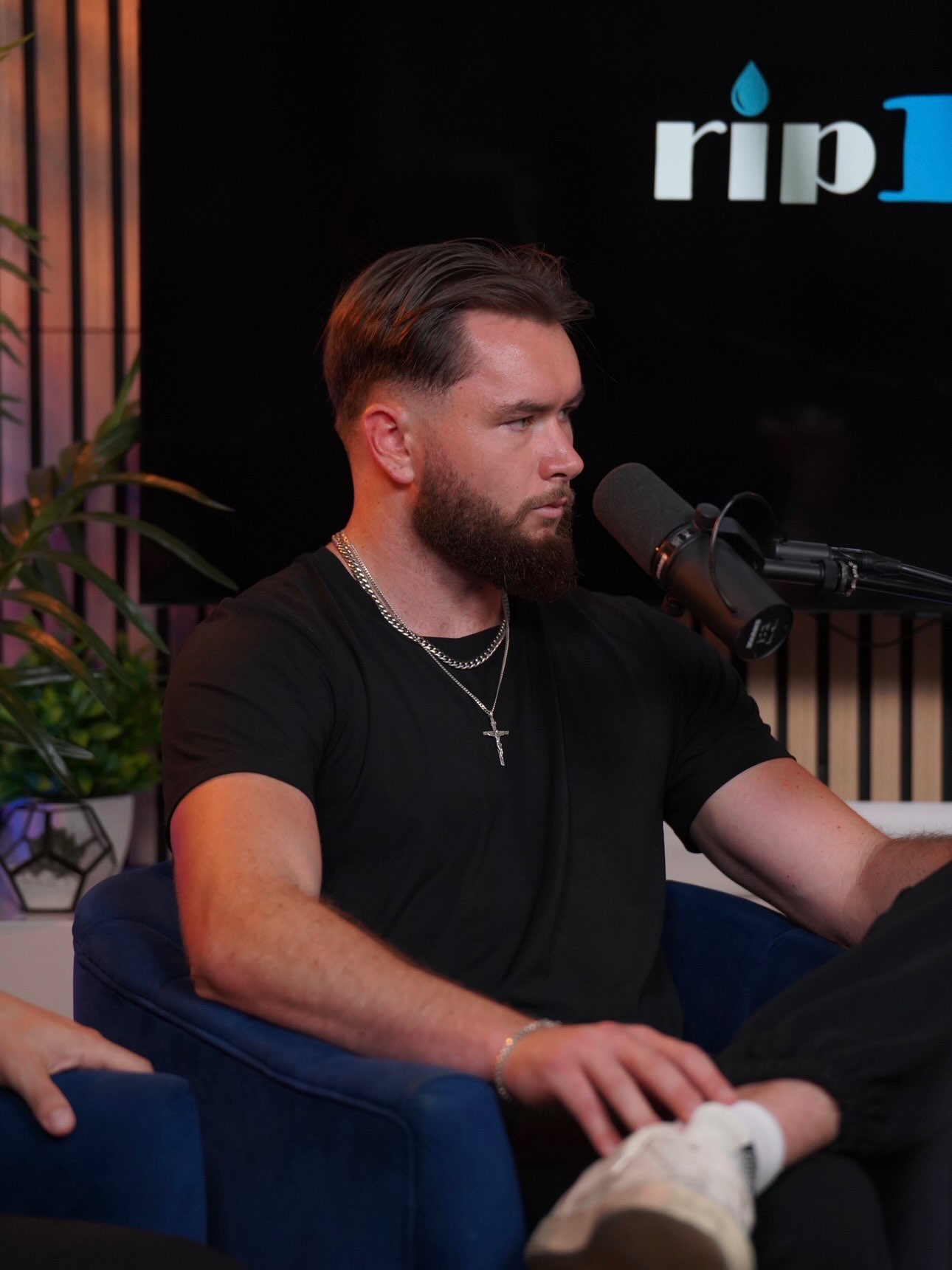
“Our close rate went from the mid thirties to the high sixties in the first three weeks.”
One customer’s experience. Results vary.
BEFORE YOU TAKE A LOOK
Start with the questions
your team is asking.
The review brings together call excerpts, timestamps, objections, summaries, transcripts, and recommendations. Use those pieces together to inspect the exchange, understand the surrounding conversation, and decide which feedback is relevant for the rep.
The calls available depend on your recordings and connected setup. Review the recording sources your team uses and email [email protected] with questions about how they fit into Valeron. Setup calls are reserved for custom Enterprise rollout planning.
Treat a recommendation as a starting point for review. Check it against the conversation and your sales process, then discuss the next step with the rep. Your judgment keeps the feedback relevant to the actual exchange.
Yes. Bring a relevant call moment into the session and use the transcript to review it together. The excerpt gives you a shared example for discussing the rep’s response and choosing something specific to practice.
YOUR NEXT STEP
See how Valeron brings an individual call’s moments, transcript, and recommendations together for a more focused conversation with your rep.
Choose Solo or Team online. Need custom Enterprise setup? Check your fit.