






SALES PERFORMANCE FOR SALES TEAMS

Know what drives sales.
Coach what comes next.

Performance tracking, call intelligence, and coaching. See what changed, and where your existing team has room to grow.

PERFORMANCE DRILLDOWN

Find the calls behind the change.

TeamAveryCalls
Team close rate24%
24% previous period
Close rate by repThis period
Casey24%—
Drew24%—
Avery24%—
Morgan24%—
One metric. A path to the detail.
Illustrative workflow · Demo data

SEE THE RESULTS. UNDERSTAND THE REASONS.

The numbers tell you what.
The conversations tell you why.

A closer look at the work behind your sales performance.

SALES CLARITY

Close rate dropped.
See what changed.

Follow a team metric into the rep, the stage and the calls behind it. Get a clearer place to investigate before blaming the leads.

  • Team and rep performance in context
  • Offers, conversion and call activity
  • The conversations behind the numbers

PERFORMANCE DRILLDOWN

Find the calls behind the change.

TeamAveryCalls
Team close rate24%
24% previous period
Close rate by repThis period
Casey24%—
Drew24%—
Avery24%—
Morgan24%—
One metric. A path to the detail.
Illustrative workflow · Demo data
GROW WITH THE TEAM YOU HAVE

Before another hire,
look at your capacity.

Uneven calendars can hide room in your existing sales floor. Compare workloads and appointment availability before adding another closer.

  • Compare rep workloads
  • See booked and available appointment time
  • Give staffing decisions a clearer starting point
Start free trial

CAPACITY BEFORE HEADCOUNT

See room in the team you have.

Existing team · weekly viewThree calendars.A different workload for each closer.
Casey90%
utilized
27/30booked
Drew50%
utilized
15/30booked
Avery20%
utilized
6/30booked
BookedOpen appointment slot
90 appointment slots. Three closers.Start with the capacity you already have.
Illustrative workflow · Demo data
LESS MANUAL REPORTING

Every rep’s numbers.
One connected view.

Booked calls, show rate, offers, close rate and collected cash belong together. Bring connected sales data into a shared view for setters and closers.

  • Setting and closing performance
  • Your CRM, calendar and payment context
  • Rep, role and reporting-period views

AUTOMATED REPORTING

Every rep. One connected view.

CRM
Calendar
Stripe
Team leaderboardLast 30 days
ClosersSetters
CloserCallsShowCash
Casey4080%$9,600
Drew3675%$7,200
Avery3272%$6,000
Morgan2875%$4,800
Connected sources keep the picture current.
Illustrative workflow · Demo data
POST-CALL INTELLIGENCE

Calls scored.
Key moments in context.

Bring a score, summary, transcript and objections together for each analyzed call. Jump to the exchange that needs attention, then choose what to coach.

  • Call summaries and scores
  • Timestamped objections and transcripts
  • Contextual recommendations for the next conversation

Call review

Follow the score into the conversation.

Casey / JordanDiscovery call · 35 min
Reviewed
POST-CALL REVIEW

A score. A moment.
A coaching focus.

72/ 100
Need to talk to my partner23:41

Open the timestamp to review the exchange in context.

Illustrative workflow · Demo data
SALES VERSUS CASH

Closed won isn’t cash.
See the difference.

Keep sold revenue, collected payments, refunds and net cash in the same performance picture. Understand the money behind the deal and the rep.

  • Stripe, Whop and Commas payment context
  • Payments and deal owners
  • Collected cash, refunds and net cash

Payments & deals

Follow the cash behind the deal.

StripeWhopCommas
Payment receivedStripe
$5,000[email protected]
Deal record
Northstar onboarding
CaseyDeal owner
Net cash leaderboardSample period
  1. 1Drew$18,000
  2. 2Casey$10,000

A payment enters the sample ledger.

Illustrative workflow · Demo data
YOUR CONNECTED WORKSPACE

Your pipeline.
With call context.

Keep contacts, opportunities, conversations and next steps in one workspace. Review the context behind a deal as it moves through your process.

  • Contacts and opportunity stages
  • Call history alongside the deal
  • Your process as a shared reference

Pipeline context

Keep the deal beside the conversation.

Call in progressNorthstar · CaseyOn call
First call1
NorthstarCasey · Deal owner$5,000Sample deal
Discovery0
No sample deals
Proposal1
Cedar StudioAvery$3,500
Won1
Harbor Co.Drew$4,000
Sample call context

First conversation with the buyer.

Illustrative rep review and stage update.

Illustrative workflow · Demo data
TEAM COACHING

See the objection.
Find the pattern.

See what keeps coming up across the team. Compare objections and handling by rep, then use the conversations to choose a specific coaching priority.

  • Recurring objections across calls
  • Rep-by-rep breakdowns
  • Review the exchange before deciding what to coach

Team objection insights

See the pattern. Choose what to coach.

ACROSS THE TEAM

What keeps coming up?

This month
Talk to partner14
Price10
Timing7

Objection frequency is a starting point for review.

Illustrative workflow · Demo data
SETTERS AND ATTENDANCE

Booked is the start.
Attendance tells the rest.

Bring bookings and recorded attendance into the same view. Compare show rates across reps and look at the calls behind an appointment outcome.

  • Bookings and attendance together
  • Show-rate trends by rep
  • A clearer place to review follow-up

Appointment visibility

See the journey behind the booking.

Booked, 9:04 pmTwo sample booking journeysAppointment
AverySetter
Scheduled appointment—Booking received
Outcome pending
Sample show rate—
From recorded appointment outcomes
CaseySetter
Scheduled appointment—Booking received
Outcome pending
Sample show rate—
From recorded appointment outcomes

Compare the journeys behind the bookings.

Illustrative workflow · Demo data

FITS INTO YOUR WORKDAY

Your tools.
A more connected workflow.

Bring your CRM, calendars, payments, and call recordings together.

See all integrations
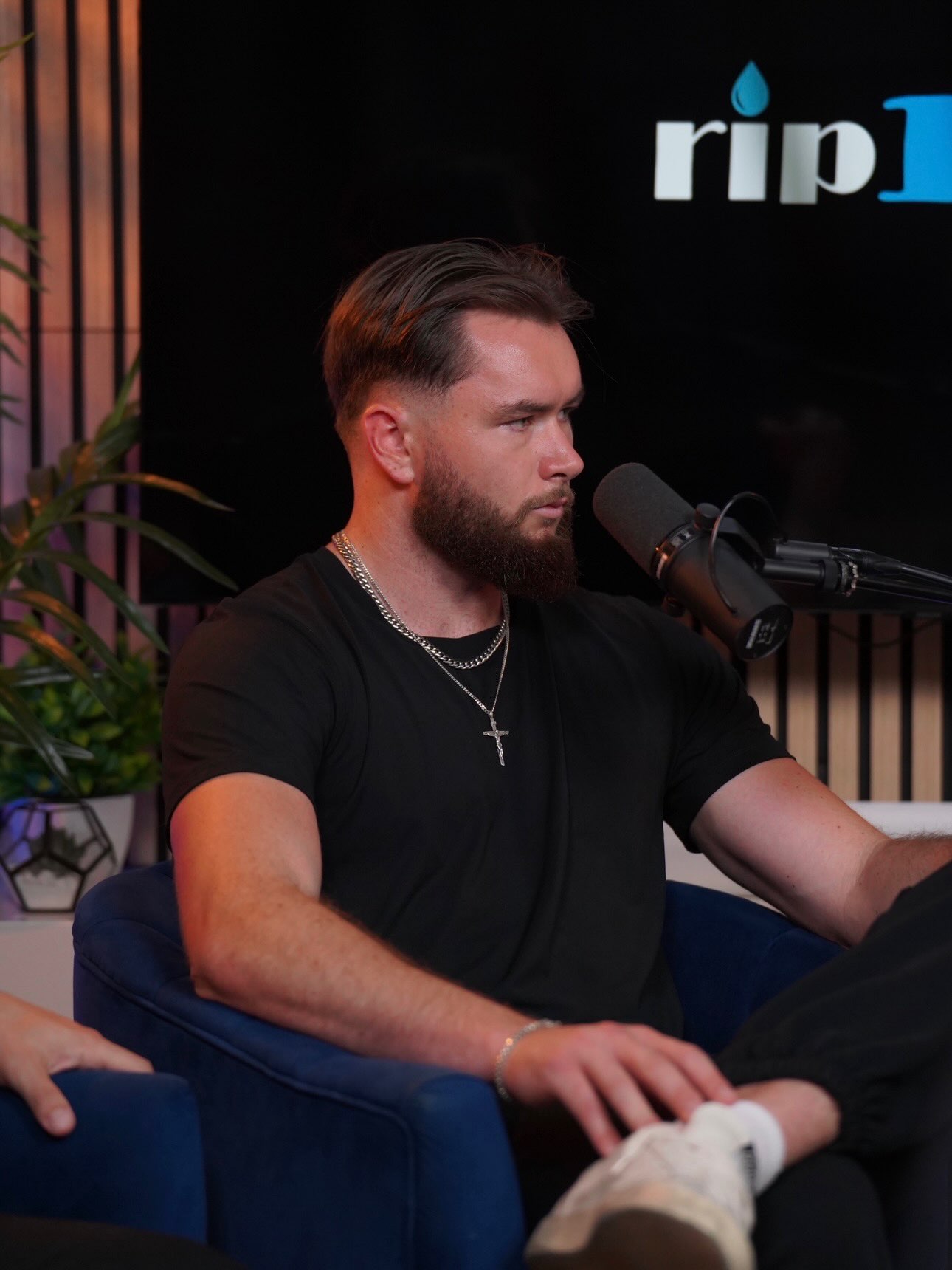
Tommy CondonTommy CondonValeron customer
“Our close rate went from the mid thirties to the high sixties in the first three weeks.”

One customer’s experience. Results vary.

Wingman · Optional add-on

A little context.
While the call is live.

Wingman brings contextual alerts for objections and pacing to your rep’s screen. Optional support while they learn your offer and process.

Meet Wingman

Optional live support

Context for the conversation you are having.

Live conversation23:41
Prospect

“Let me think through the next step.”

Wingman

Contextual support
alongside the call.

Illustrative workflow · Demo data

A CLEARER VIEW OF YOUR SALES

See the numbers.
Improve the calls.

Explore our plans
01 /

Solo

Sales tracking and call feedback for one.

3-day free trial
Then $297/monthStart free trial

03 /

Enterprise

Full software for your whole business.

Let’s talk.
Custom pricingEnterprise setup

GOOD QUESTIONS

Clear answers.

Ask us something else
What does Valeron do?

Valeron is a browser-based sales performance workspace. Track rep activity, conversion, and collected cash; review post-call breakdowns; and use coaching insights to help your team improve.

Do I need to download an app?

The core platform runs in your browser. The optional Wingman add-on for live call support uses a separate macOS desktop companion.

Can we customize it for our business?

Yes. Build shared knowledge around your company, offer, pricing, ideal customer, sales process, objections, competitors, and testimonials. Wingman users can also configure alert priorities.

Is Wingman required?

No. Performance tracking, call breakdowns, and coaching are the core platform. Wingman is an optional add-on for teams that want live contextual help while new reps ramp.

Does it work with our existing tools?

Valeron integrates with Whop, Commas, Stripe, Google Calendar, iClosed, Calendly, HubSpot, GoHighLevel, Close CRM, and Fathom. Talk to our team about your setup.

A CLEARER WAY TO GROW

Better conversations.
A stronger sales team.

See the numbers. Understand the calls. Know what to coach next.